
How can I add a Watch Account to Pera Wallet?
💡This feature is for advanced users
Background Info
Watch Accounts are special types of accounts that you can add in the Pera Wallet. You can only view and read the watch accounts. As the name explains it, you can only “watch” what is happening in this account and you can’t make any transaction.
What is the purpose of a Watch Account?
Watch Accounts are useful if you have an account that you prefer to keep offline (also known as Cold Storage) or if you have a Multi-sign account that you’d like to monitor. With the Watch account feature, you will be notified of any transactions to or from this account.
Since accounts on the Algorand blockchain are public and anonymous like on any blockchain, anyone can watch any account, regardless of whether you own the account or not. All you need is an account address, as you’ll see in the simple tutorial below.
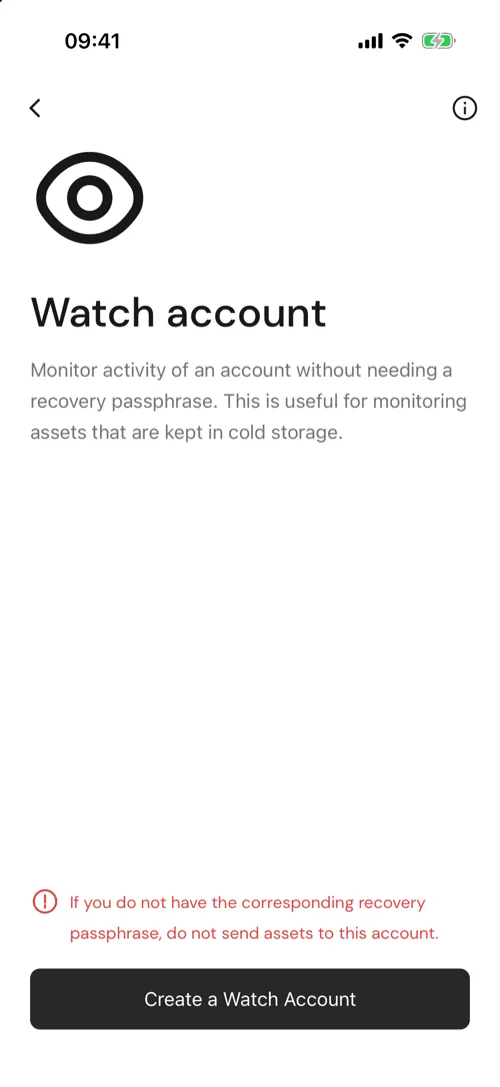
💡Important info: Watching an account does not mean you control the account. NEVER send assets to a Watch Account’s address unless you own the corresponding recovery passphrase. This is a read-only view of an account. If the Watch account is not yours, all assets that you’ll send to this account will be lost forever.
How can I add a Watch Account?
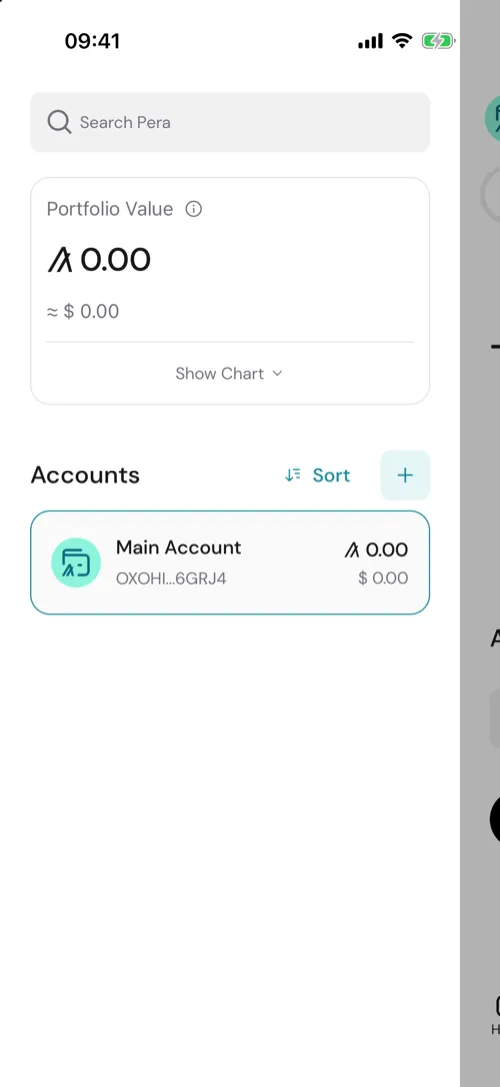
- Tap the account name at the top of the Home screen to open your accounts, then tap the + in the top right.
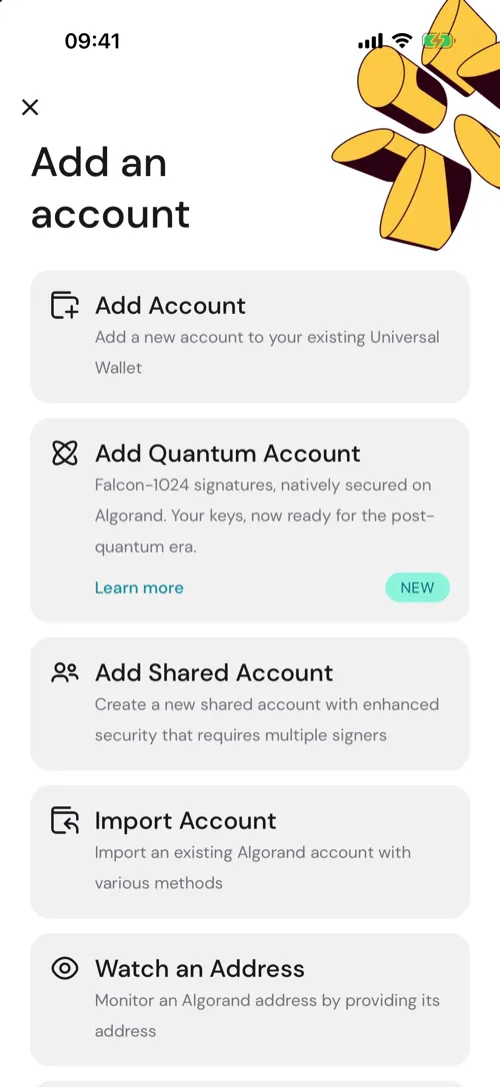
- On the Add an account sheet, tap See other options, then tap Watch an Address.
- Carefully review the type of account you’re creating and then proceed to the next step.
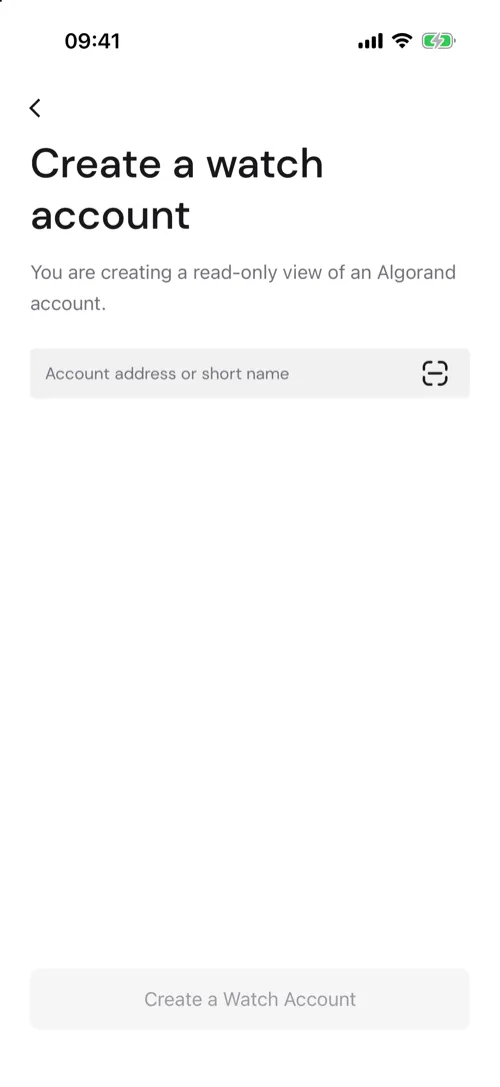
- Paste an Algorand account address or short name here, or scan an Algorand wallet Address QR code, then tap Create a Watch Account.
- Name your Watch Account.
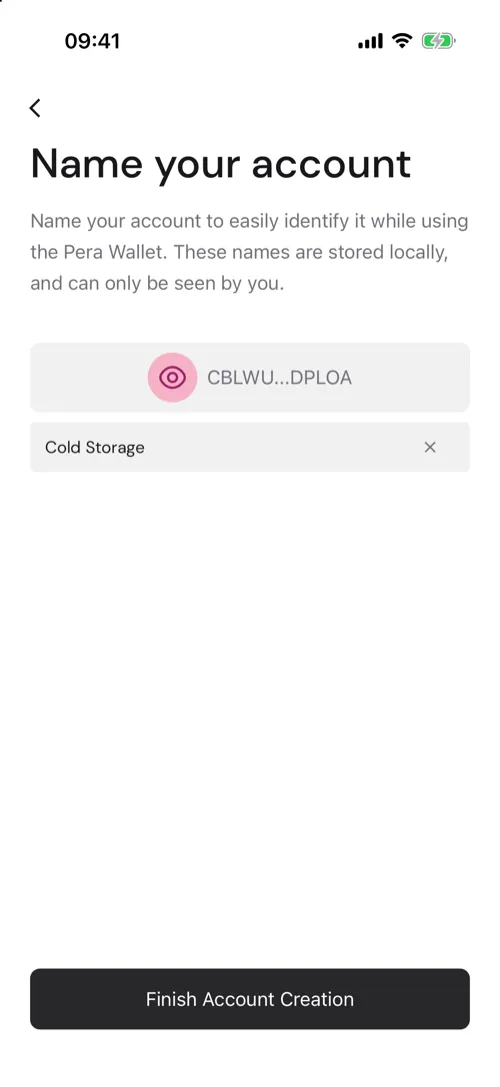
- That’s it! Your Watch account has been created and appears in your accounts.
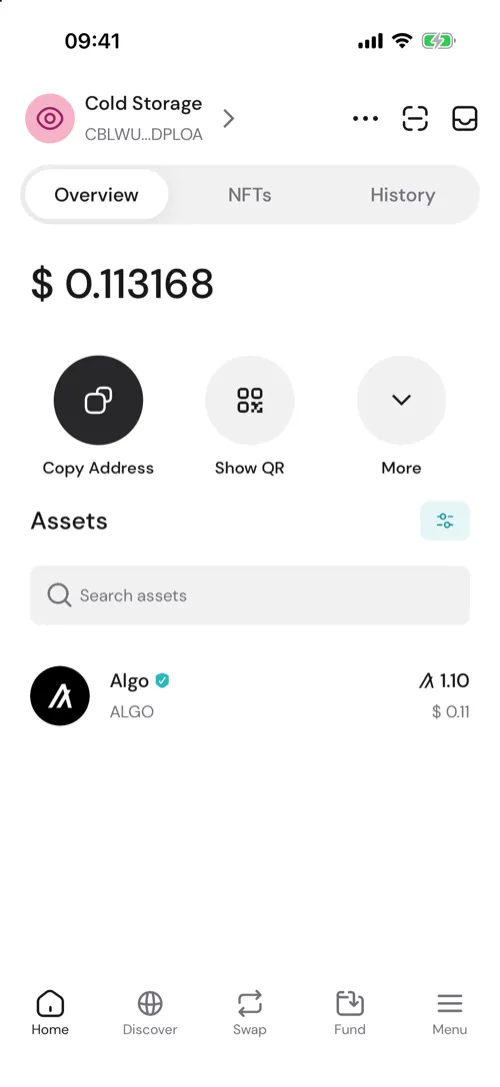
Keep in mind that since it’s a read-only account, many of the options that you see for your other accounts will not be available. This includes sending transactions, adding assets, rekeying, and more


 Download Now
 Get Extension



