
Before You Begin
Make sure you are familiar with Algorand and the concept of Algorand Accounts. Key points:
- Pera Wallet is a container for your Algorand Accounts
- Pera Wallet allows you to create and manage Algorand Accounts, but the accounts exist on the blockchain, not “on Pera”
- Pera Wallet is a non-custodial wallet. Any accounts created using Pera remain your responsibility and Pera cannot help you if you lose access to your accounts.
If you already have an account on the Algorand Blockchain, follow our Recover or Import an Algorand Account tutorial instead.
What types of Accounts are there on Algorand?
There are three types of wallet you can create on Algorand:
- Universal Wallets - Universal wallets follow the BIP-39 HD Wallets standard for managing cryptocurrency private keys using a single, secure 24 word seed phrase. They organize keys hierarchically, allowing one seed to generate multiple addresses across different blockchains. This simplifies backups (just one phrase to store), enhances security (no need to juggle multiple keys), and offers flexibility to access various cryptocurrencies from a single, user-friendly setup.
- Algo25 Wallets - The OG Algo Wallet. This wallet type has a 25 word mnemonic phrase.
- Quantum Accounts - Signs transactions with FALCON-1024 signatures for quantum resilience
Creating a new Algorand Wallet on Pera Mobile
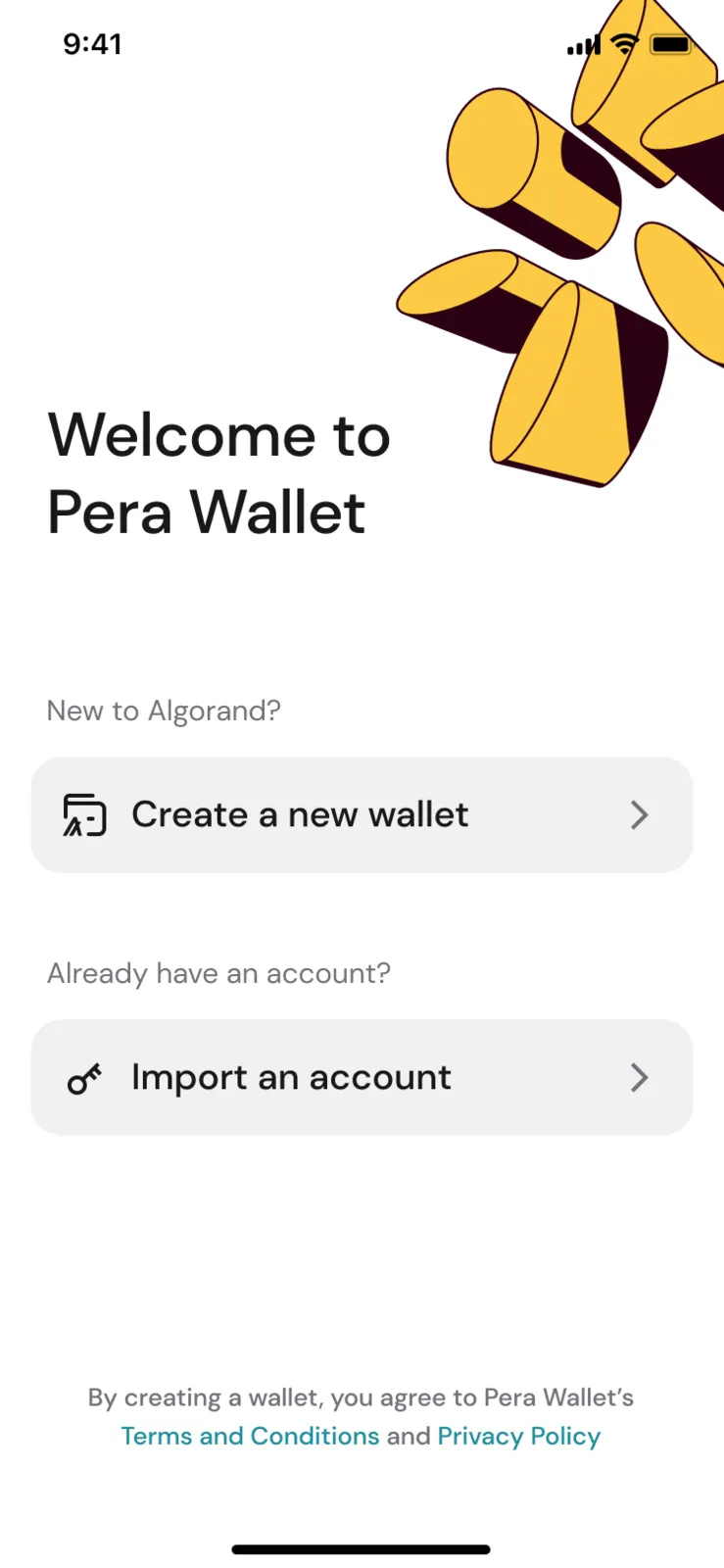
- If you are brand new to Pera, select “I want to create a wallet”, then select “Create a new wallet”:
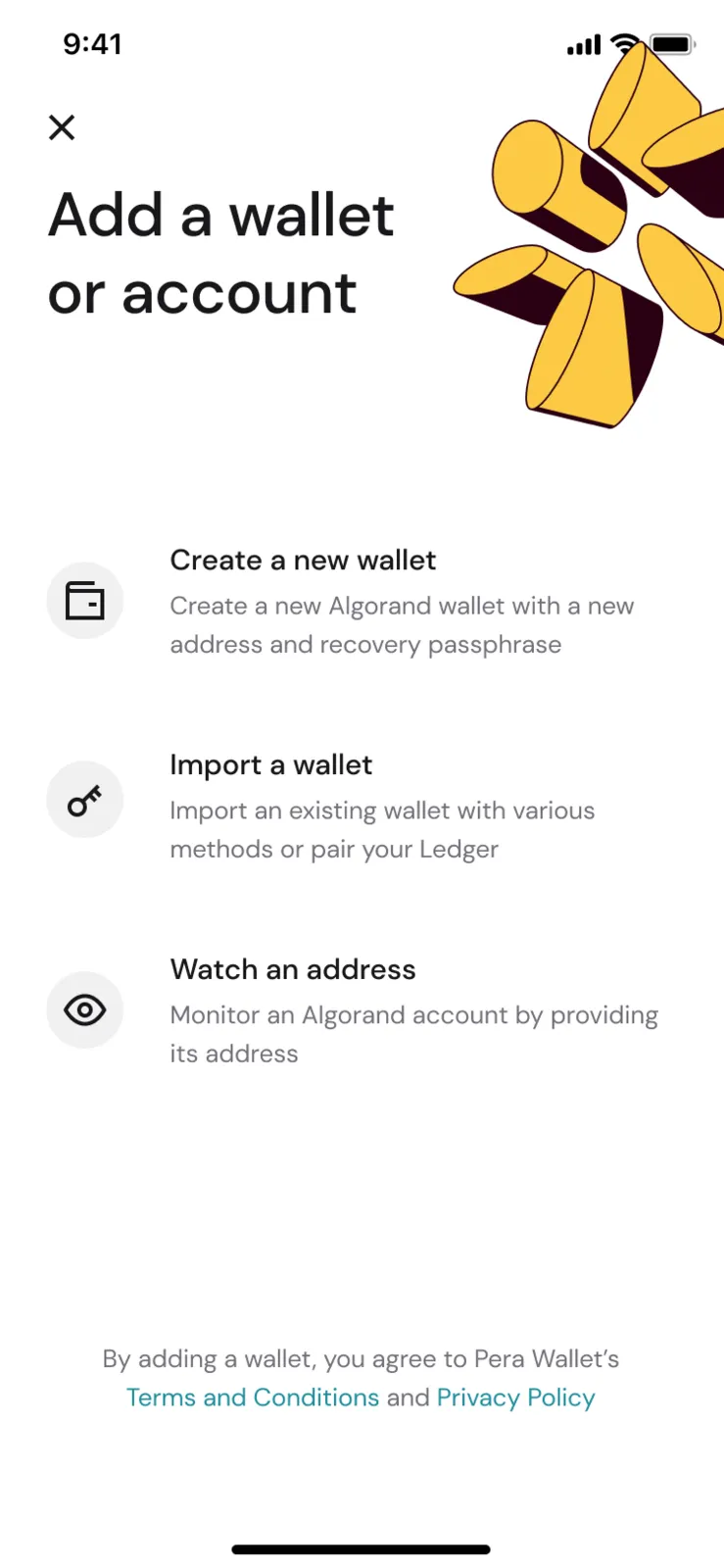
- If you already have Algorand Accounts in your Pera Wallet, instead click the plus symbol at the top of your portfolio slider:
- Follow the steps to view and store your recovery passphrase. Consult Backing Up Your Recovery Passphrase for more details. You’ll need to store it during this process as you will be asked to prove you know it by providing a few of the words at specific positions.
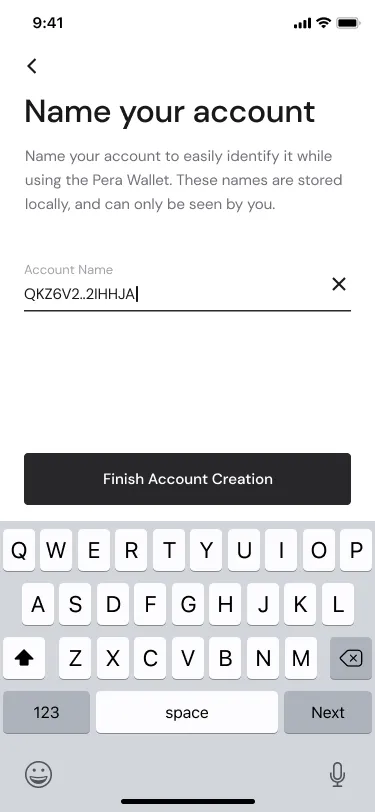
- Name your account. This name is more like a nickname and it only applies on your phone - it will never be used on the blockchain or on any other wallet or website.
- You will now be prompted to set up security features such as a PIN Code or Biometric Authentication. We recommend enabling all the security features available for your device. Please note that if you create a Pera PIN Code, this does nothing beyond managing access to the app on your phone. It has no relationship with other devices and cannot be used to backup or transfer your accounts if they are lost.
- Your new account is ready to use in your Pera Wallet, visible in your Home Screen. You can now fund it using the Fund button, or explore the rest of the Algorand ecosystem via the Discover tab.
Creating a new Algorand Account on Pera Mobile
- If you already have a Universal Wallet, click the plus symbol at the top of the portfolio slider:
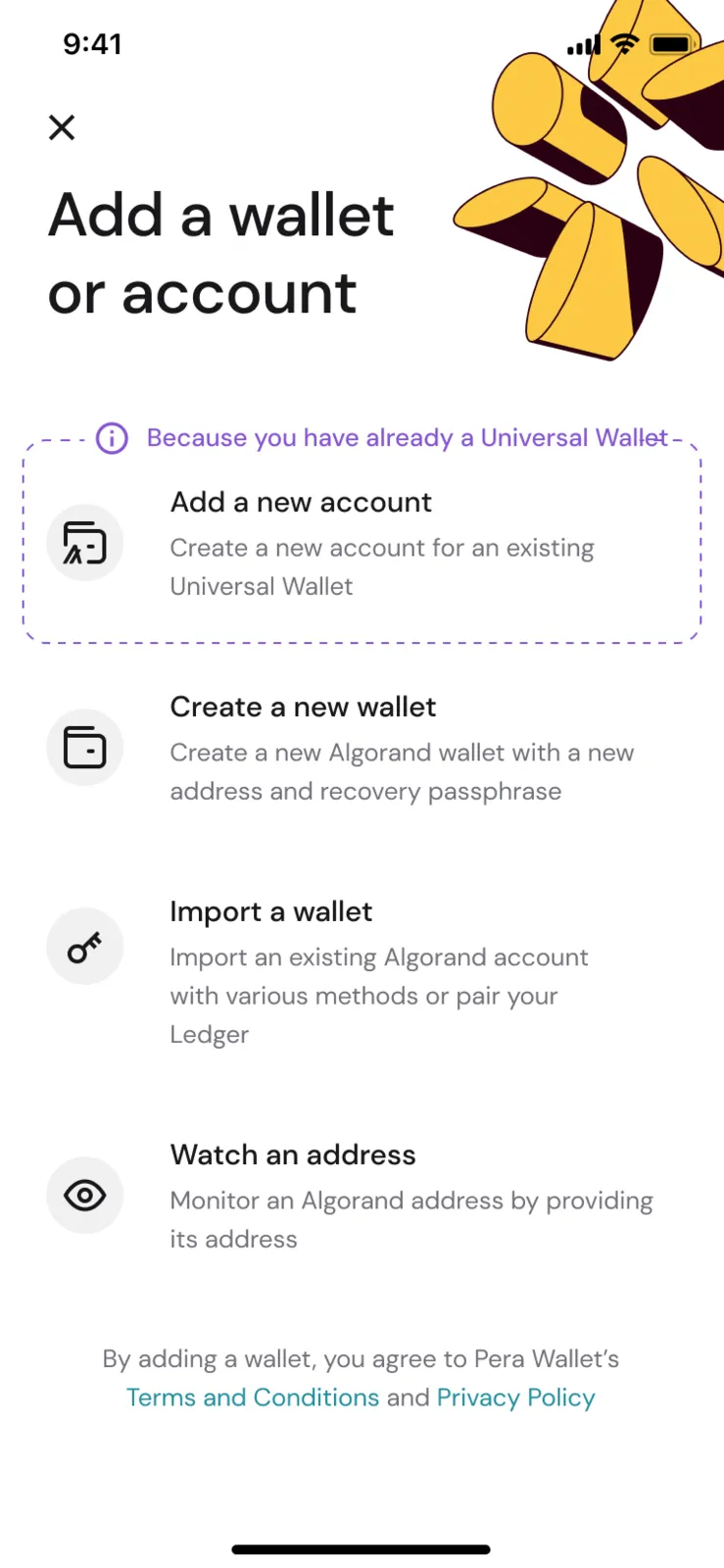
- Select Add a New Account
- Name your account. This name is more like a nickname and it only applies on your phone - it will never be used on the blockchain or on any other wallet or website.
Remember
- Every account you create has its own recovery passphrase. These 24 or 25 word seed phrases must be stored individually, with each one only granting access to one Algorand Account. To back up all your accounts at once, see Cloud Backups - Backing Up and Restoring Your Entire Wallet, Cloud Backups - Sync Another Device or Restore It on a New Phone and Managing Cloud Backups.
- Pera Wallet is a non-custodial, self-custody wallet. This means only you have control of your account. Pera cannot help you if you lose access.
Alternatively
- If you need to create a Legacy Algo25 Account, tap the plus symbol at the top of your portfolio slider and choose Create an Algo25 Account
For more information please consult:


 Download Now
 Get Extension



