
Creating a Shared Account (Multisig)
To create a Shared Account in Pera Wallet:
-
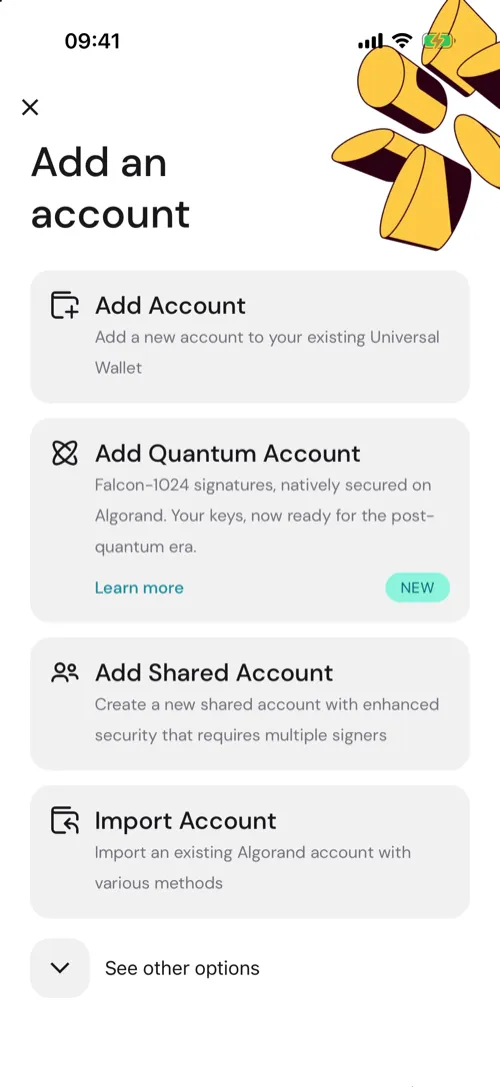
Tap the plus symbol at the top of your portfolio slider to open the add wallet or account sheet.
-
Select Add Shared Account, then tap Continue on the introduction.
-
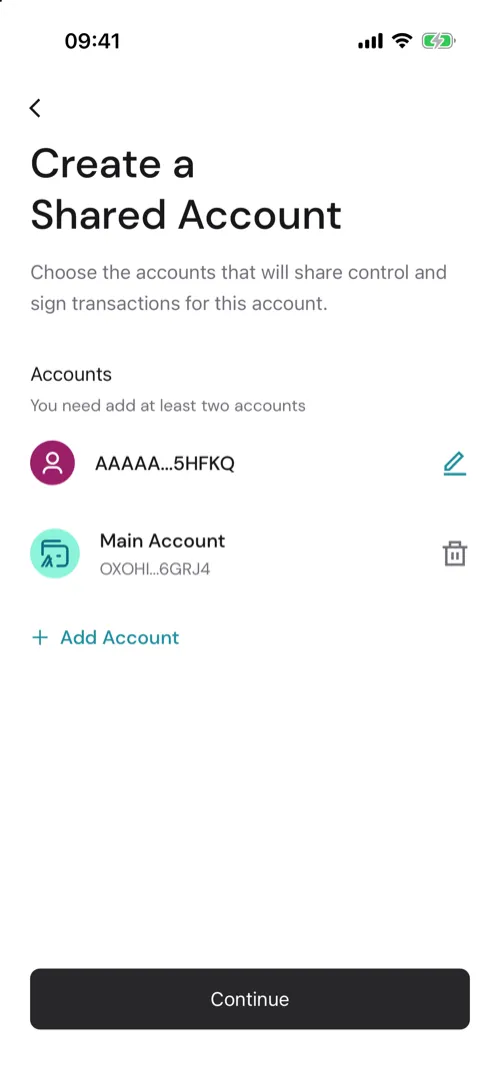
Add the participant wallets.
- You may add your own wallet more than once to create weighted signatures.
-
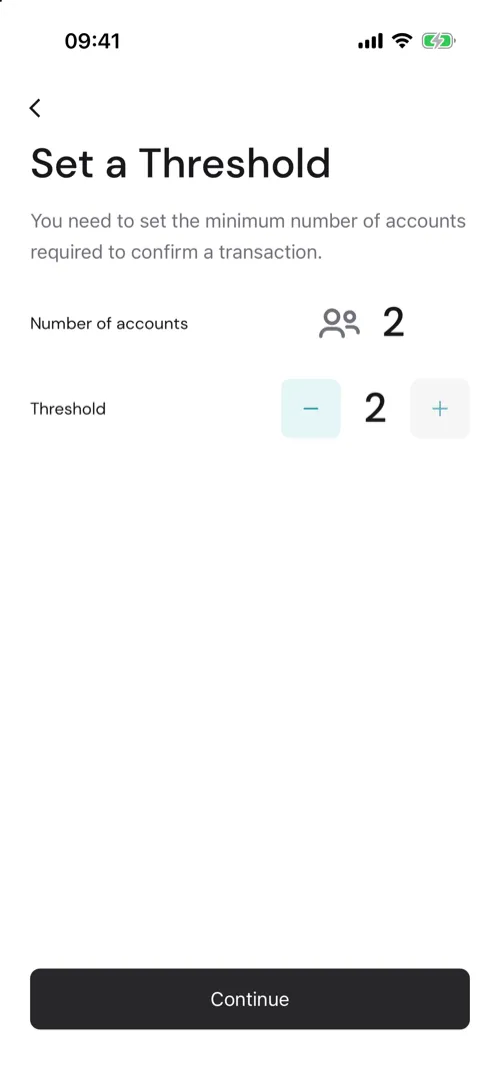
Set the approval threshold (e.g., 2-of-3).
-
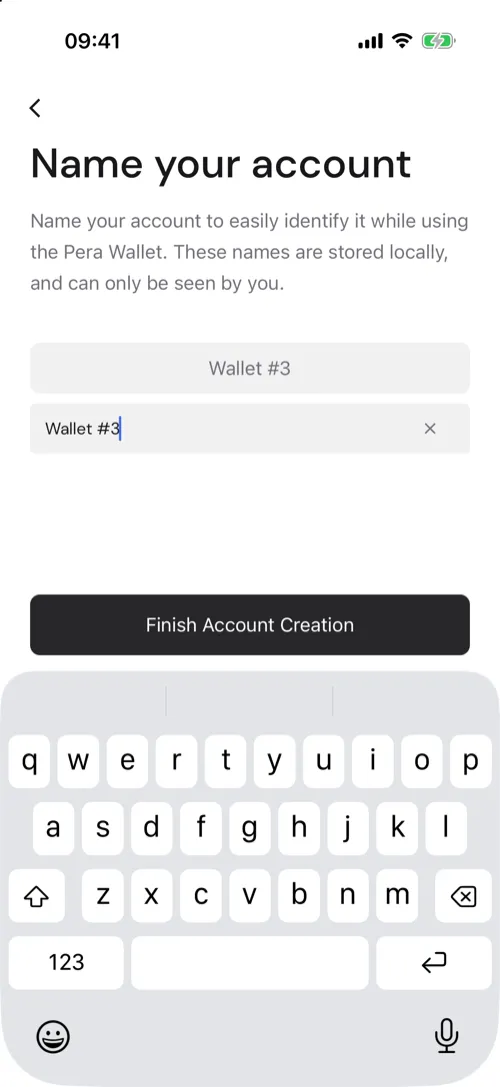
Enter a name for the account.
-
Confirm creation.
The multisig account will be added to your wallet list.
Note:
- The order of added addresses determines the multisig address.
- The threshold cannot be changed after creation.
- The account must be funded with ALGO to initialize on-chain.


 Download Now
 Get Extension



