
Viewing Pending Multisig Transactions
To view pending multisig transactions:
-
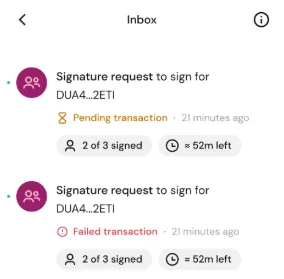
Open Inbox.
-
Select the pending transaction.
You can view:
- Current signature status
- Which participants have signed or rejected
- Remaining time before expiration (45-minute window)
From this screen, you may sign (if eligible) or reject the transaction.


 Download Now
 Get Extension



