
Signing a Multisig Transaction (Synchronous – dApp Flow)
Synchronous signing is used when interacting with a connected dApp.
-
Initiate the transaction through the dApp.
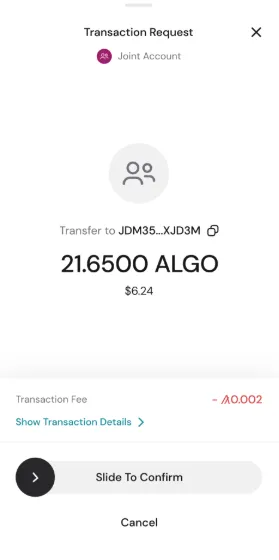
-
Required participants must sign during the active session.
Important:
- The initiating signer must remain in the app.
- If the WalletConnect session (websocket connection) is interrupted, the transaction will fail.
- Participants can sign independently.
- Signers have 45 minutes to approve or reject.
- If the threshold is not reached within 45 minutes, the transaction expires.
- The Inbox view displays:
- Who has signed
- Who has rejected
- Time remaining
If the required threshold is met during the session, the transaction is submitted immediately.


 Download Now
 Get Extension



