
Joining a Shared Account (Inbox Invite)
When you are invited to a Shared Account:
-
You will receive a notification.
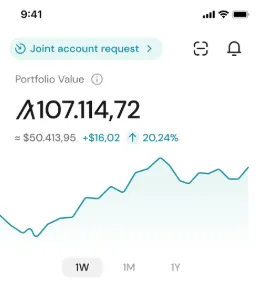
-
Open Inbox in Pera Wallet.
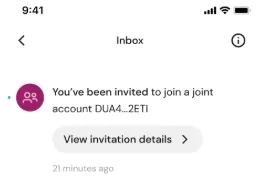
-
Select the Shared Account Invitation.
-
Review the account details (participants and threshold).
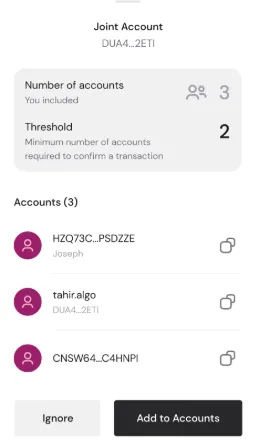
-
Tap Add to Accounts or Ignore.
If you tap Add to Accounts:
- You will be prompted to name the account.
- The Shared Account will be added to your wallet list.
If you tap Ignore:
- The invitation will be ignored and no account will be added.


 Download Now
 Get Extension



