
Signing a Multisig Transaction (Asynchronous)
You can initiate a transaction from a Shared Account the same way as with a standard wallet.
In the asynchronous flow:
-
Initiate the transaction.
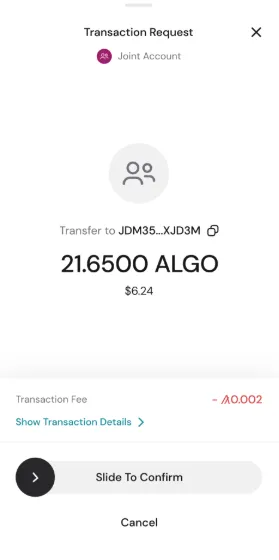
-
Other participants receive a notification.
-
Participants open Inbox to review the pending transaction.
-
They can Confirm or Reject.
Additional details:
- Participants can sign independently.
- Signers have 45 minutes to approve or reject.
- If the threshold is not reached within 45 minutes, the transaction expires.
- The Inbox view displays:
- Who has signed
- Who has rejected
- Time remaining
Once the required threshold is met, the transaction is submitted to the network.


 Download Now
 Get Extension



